
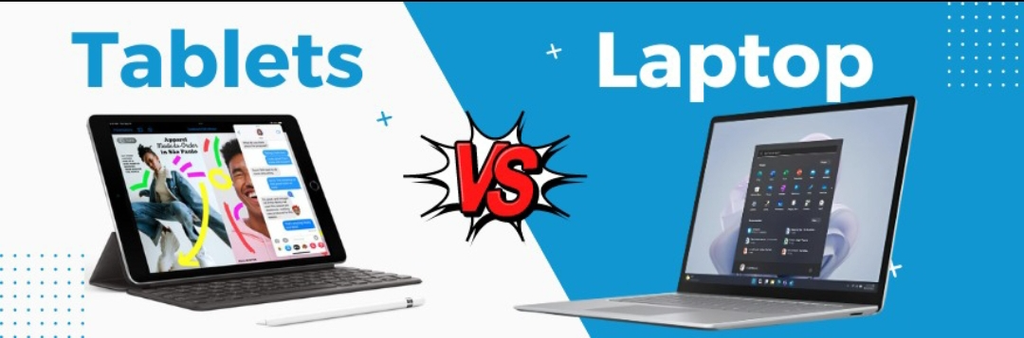
Laptops vs Tablets: Which Electronic Item Fits Your Needs?
So you’re stuck between a laptop and a tablet. Honestly, mood. I remember standing in a store once, picking up both devices like holding them would magically reveal the answer, while the poor salesperson just watched me have an internal crisis over a decision that shouldn’t take this long.
A few years ago this wasn’t even a real debate. Laptop meant work. Tablet meant lying in bed scrolling until your eyes hurt. Clean split, no confusion. But tablets quietly got really good at their job, and now that neat little line between “work device” and “fun device” doesn’t really hold up anymore. So let’s skip the sales-pitch energy and just figure this out properly, like two people talking it over instead of me reading you a spec sheet.
Which One’s Actually More Useful?

Laptops vs tablets offer different advantages depending on how you plan to use your device, whether for work, study, travel, or entertainment. Neither, if I’m being honest — and anyone who tells you otherwise probably just bought one and is trying to convince themselves it was the right call. It really comes down to what your actual day looks like, not what sounds impressive on paper.
If you’re a student whose routine is mostly attending online classes, skimming a PDF, scribbling a few notes, watching a lecture on 1.5x speed because who has time — a tablet handles every bit of that without breaking a sweat. Add a stylus and it basically turns into a smart notebook that also plays videos when you’re procrastinating.
But the second your work involves coding, wrangling a massive spreadsheet, editing footage, or running some clunky software your professor swears by — nope, a tablet’s not getting you there. There’s genuinely no clever workaround for that one. I’ve tried.
Office life leans the same direction. If you’re typing most of the day, a laptop keyboard is a legit sanity-saver. Try writing a long report on glass and you’ll understand the appeal within the first paragraph, guaranteed.
That said, I get the tablet pull completely. It just feels effortless. Tap, swipe, done. No waiting around, no clunky menus, no mysterious loading screen. Perfect for the couch. Perfect for that “let me just quickly check something” moment that somehow eats forty-five minutes of your evening.
Power and Speed
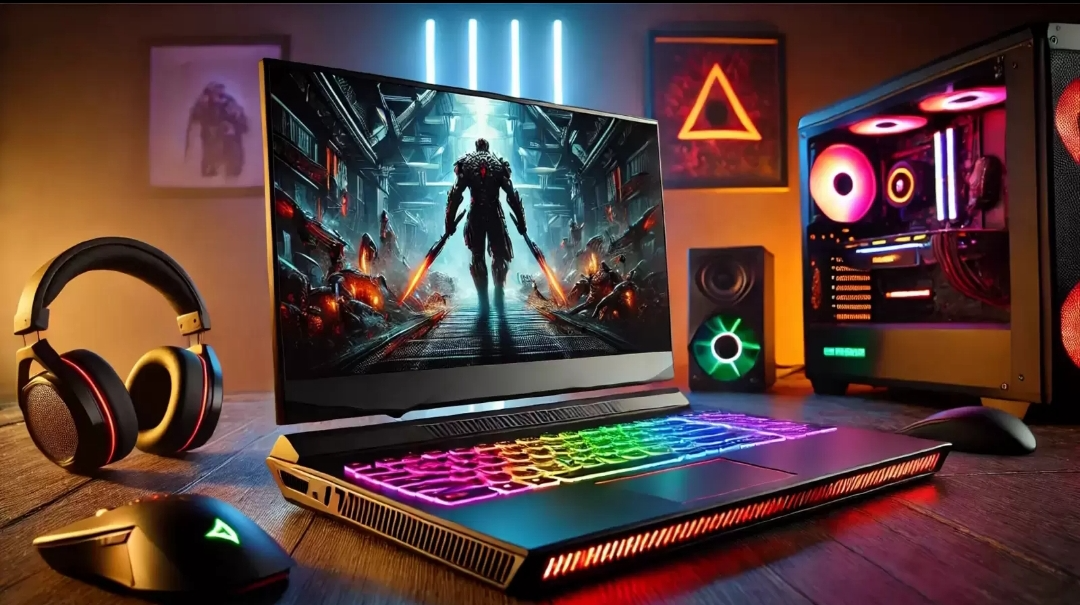
When comparing laptops vs tablets, consider processing power, multitasking capabilities, and compatibility with the apps you use every day. Laptops still win here, generally. Stronger processors, more RAM, better cooling — basically more room to handle heavy stuff for hours without wheezing.
But tablets aren’t some weak little sidekick anymore either. For browsing, streaming, gaming, note-taking — most people genuinely won’t notice a difference. Some tablets feel snappier than an aging laptop, honestly, which says a lot more about that laptop’s age than anything else.
Here’s the part people forget though — speed means nothing if the app you need just doesn’t exist on the device. Doesn’t matter how fast your tablet is if the one program you actually rely on only runs on a real desktop OS.
The Keyboard Situation

This is really where the two devices part ways for good.
A laptop’s built-in keyboard is just better for real writing — long emails, essays, reports. Physical keys make an actual difference, and once you get used to shortcuts, typing on glass starts to feel like wading through wet sand.
Tablets rely on that on-screen keyboard, which is fine for a quick reply but gets old fast once you’re past a paragraph or two. You can grab a keyboard attachment, sure — but at that point you’re just paying extra to build a smaller, more awkward laptop. If you type a lot every day, save yourself the trouble and just get a laptop from the start. Trust me on this one.
Portability — Not Even a Contest
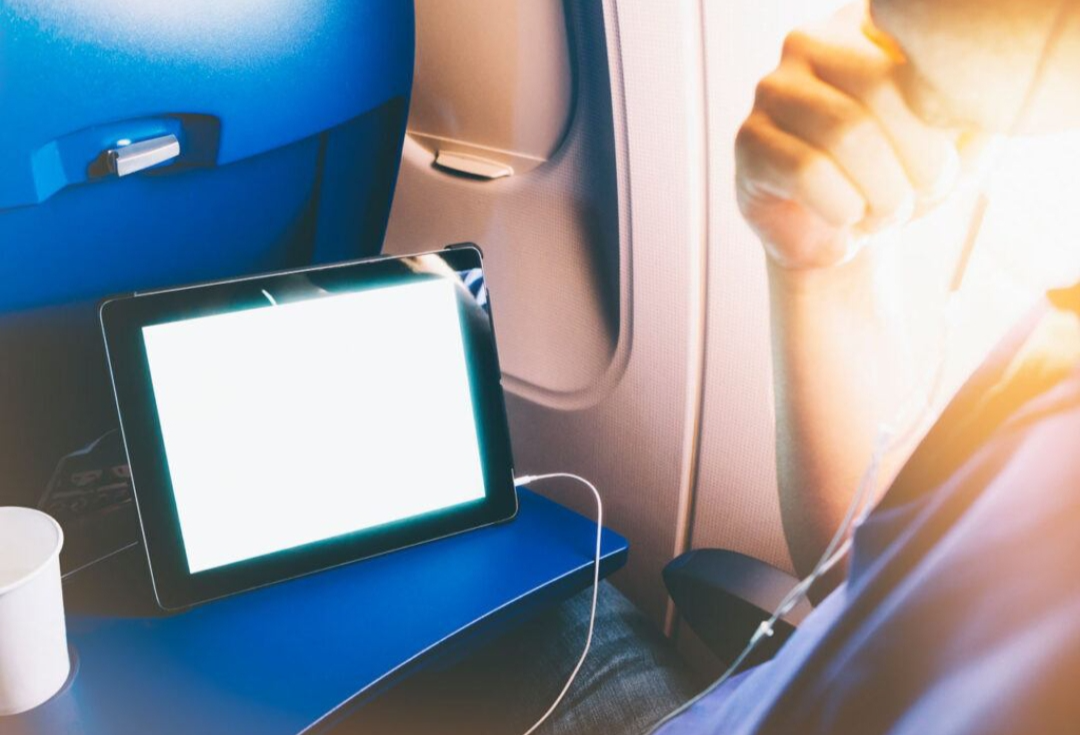
Tablets take this one, easily. Thin, light, barely noticeable in a bag. You can read lying flat, standing on a packed bus, sitting cross-legged on the floor — no table required, no hinge digging into your leg at an awkward angle.
Laptops are “portable” in the loosest possible sense. Sure, you can carry it, but it’s heavier and mildly annoying without a flat surface nearby. If you travel often or just hate lugging extra weight around, a tablet’s going to feel like a genuine relief.
Entertainment

Both are fun, just in different flavors. There’s something about swiping through photos or scrolling on a tablet that feels more natural than clicking around with a mouse like it’s still 2012. Reading in bed, watching a show curled up somewhere weird and comfortable — tablets were basically built for that exact energy.
Laptops still edge ahead when you want a bigger screen, smoother multitasking while something plays in the background, or heavier PC games. But you’re basically tied to a desk or balancing it precariously on your lap.
Battery Life

Depends a lot on the specific model, so don’t just take my word for it — actually check reviews. But generally, tablets are built with battery efficiency baked in from the start, so you usually squeeze out longer stretches of reading, browsing, or streaming before hunting for a charger.
Laptops have gotten better too, especially the thin-and-light ones, and some genuinely last a full day now. But throw something demanding at them — gaming, editing, heavy multitasking — and watch that battery percentage vanish like it owes someone money.
Multitasking
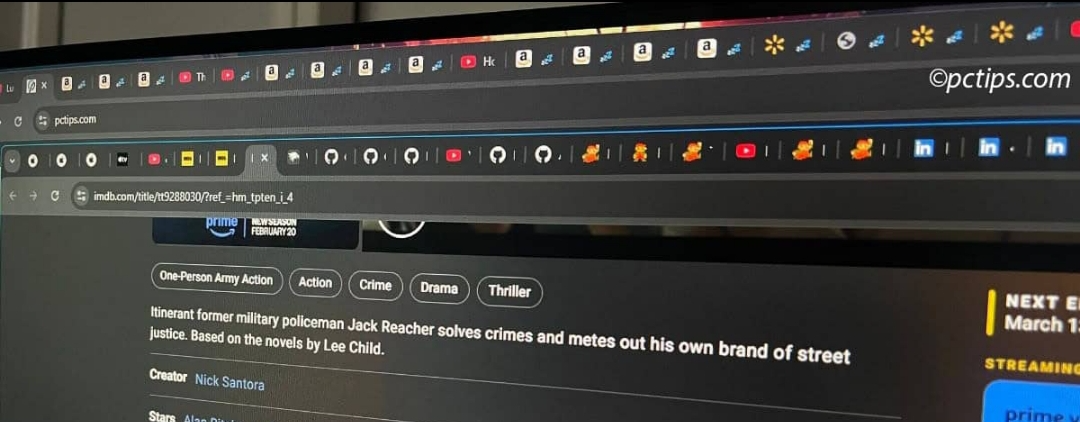
If your brain naturally runs in twelve open tabs plus a spreadsheet plus a chat window, get a laptop. Desktop systems were basically designed for exactly that kind of controlled chaos.
Tablets have added split-screen and floating windows, which genuinely helps, but it’s still not quite the same league. If your workflow demands serious juggling, don’t force a tablet into that role — you’ll just end up frustrated and switching apps every ten seconds.
What a Laptop Can Do That a Tablet Genuinely Can’t

Even with how far tablets have come, a handful of things still firmly belong to laptops:
Real desktop software
-Programming tools, serious video editors, engineering or design software — a lot of it just doesn’t exist on tablets, or shows up as a watered-down mobile version missing half the features. Always double-check before assuming otherwise.
Actual multitasking
-Spreadsheet on one side, browser on the other, document tucked in the corner — laptops handle that layout without breaking stride.
Comfortable long typing sessions
-A built-in keyboard beats a bolted-on accessory, every single time. Not even close.
More ports
USB, HDMI, card readers — laptops usually just have them ready to go. Tablets often need a dongle for basically everything, which kind of kills the whole “grab and go” appeal.
Serious professional flexibility
-Coding, database work, complex file management — laptop territory, full stop, no argument here.
More storage and room to upgrade
–Some laptops let you swap components down the line. Most of the tablets are stuck with whatever they shipped with on day one.
A bigger gaming library
-Dedicated graphics on gaming laptops open doors tablets simply can’t reach, no matter how good the chip inside gets.
So Why Would Anyone Even Pick a Tablet?
Because for a lot of people, it’s genuinely not a compromise — it’s just the right tool for their actual life.
They’re light enough that you forget you’re even carrying one half the time. Reading on a tablet just feels nice — flipping pages, zooming into a PDF, highlighting text with your finger instead of clicking around like some kind of caveman. And watching something on it hits a real sweet spot: bigger than your phone, way easier to hold than a laptop balanced awkwardly on your knees for two hours.
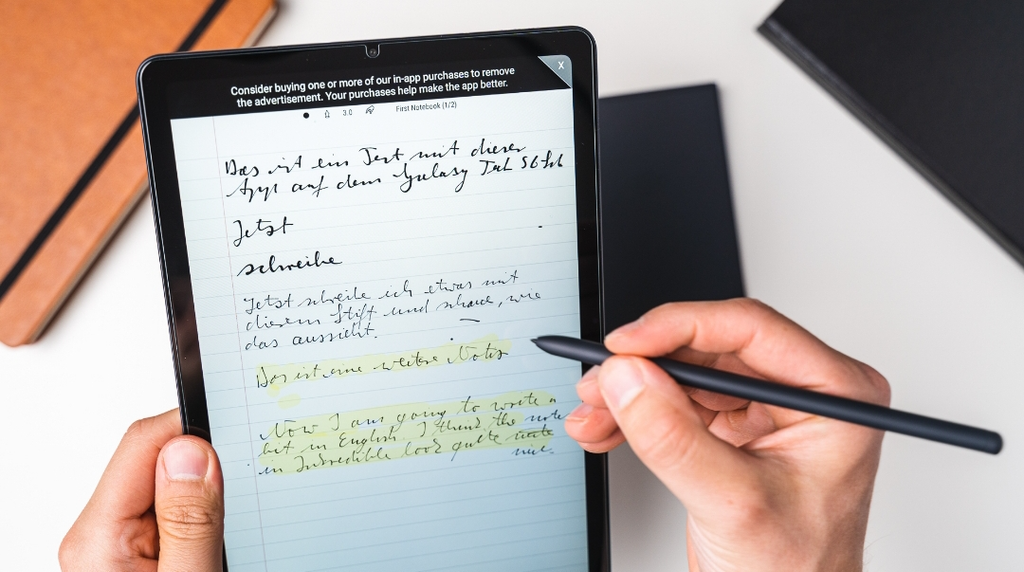
The touchscreen opens up things a laptop trackpad just can’t compete with — sketching, handwritten notes, tapping through slides mid-presentation without fumbling for a mouse. If you’re someone who takes notes by hand, a tablet with a decent stylus can genuinely replace a whole stack of notebooks — no more flipping through pages hunting for that one note you scribbled three weeks ago and can’t find.
And if your daily use is mostly checking email, scrolling, streaming, and hopping on the occasional call — why even buy a powerful laptop for that? You’d just be paying for horsepower you’ll literally never touch.
Traveling makes the case even stronger, honestly. Lighter bag, solid battery on most models, and everything you need for entertainment and staying in touch, tucked into something that slides into a small backpack pocket without you even feeling the weight.
Alright, Let’s Actually Decide

Quick gut check, no overthinking it:
Get a laptop if you:
– Type a lot, regularly
– Need software that only runs on desktop
– Multitask heavily throughout the day
– Work with big files
– Want a real, proper keyboard
– Need lots of ports for accessories
– Code or build software
– Do serious creative work
Get a tablet if you:
– Want something light you barely feel carrying
– Mostly browse, stream, and read
– Like taking handwritten notes
– Attend online classes or calls often
– Prefer touchscreens over a trackpad
– Travel a lot
– Mostly stick to simple, everyday apps
There’s also the middle path — a tablet with a keyboard clipped on. Not a bad compromise honestly, but be real with yourself about whether the software can actually keep up, or you’ll end up paying laptop money for tablet limitations. That’s the trap a lot of people quietly fall into without realizing it.
Before You Actually Spend Any Money

Don’t get seduced by a pretty screen or a tempting discount banner. Sit down for five real minutes and think about what you actually do on your current device most often — not what you imagine yourself doing someday. Then quickly check:
Does the “operating system” run what you actually need?
Is the ”processor and RAM” enough for your kind of use?
Do you have enough ”storage” for your files, photos, and apps?
Is the “screen size” right for how you’ll actually use it daily?
What about “battery life, keyboard support, stylus compatibility, ports, and camera quality”?
And don’t forget the real total price tag. A tablet plus keyboard plus stylus plus case can quietly creep right up to laptop money — so compare the whole setup, not just the shiny box price staring back at you in the store.
Bottom Line
Need one device to cover school, work, and downtime all at once? Go laptop — it just does more, and does it well without complaining halfway through. Already have a computer and just want something light for reading, watching, and quick notes on the go? A tablet is a genuinely great addition to have around.
At the end of the day, the “best” device was never the one with the flashiest spec sheet — it’s the one that actually fits how you live your day-to-day life. Figure that part out honestly first, and the rest of the decision kind of falls into place on its own.